Spam, block, and sender warnings
Spam and trash, block a sender, and treat sender warnings carefully
When mail looks wrong, move it out of the way and, if needed, stop the sender. Postra also surfaces authentication problems so you can decide how careful to be.
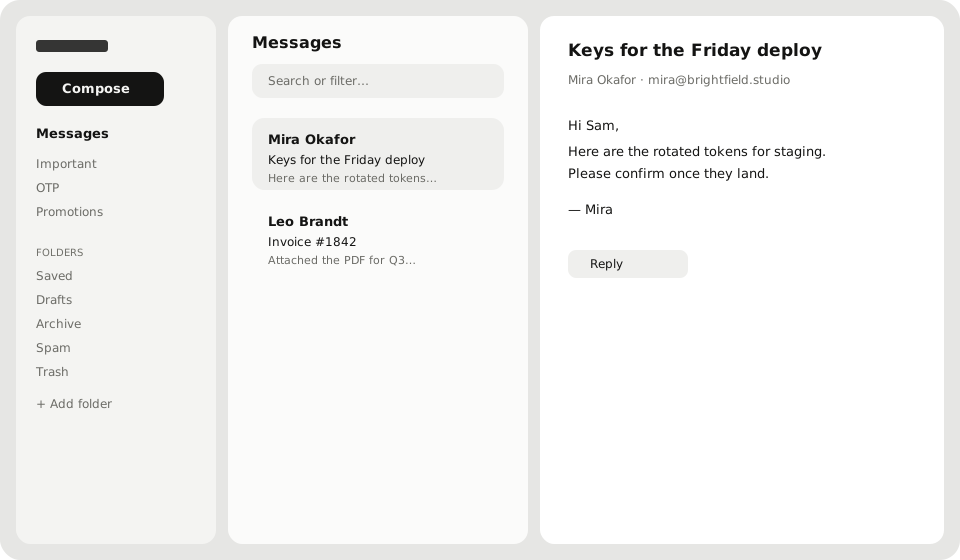
Move to Spam or Trash
- Open the conversation (or select it in the list)
- Use the message menu → Spam or Trash
- Confirm when asked
You can also drag the conversation onto Spam or Trash in the sidebar. Archive is for mail you want gone from Messages but not treated as junk.
Block a sender
From the message menu, choose Block sender so future mail from that address is refused. You cannot block yourself (cannot_block_self). Unblock paths live with the same mailbox tools if you change your mind later; if something is stuck, ask Support.
Sender authentication warnings
Some messages open a sender warning when SPF/DKIM checks fail or the message is unauthenticated. Treat those as a caution:
- Prefer not to click unexpected links or open odd attachments
- Move clear phishing to Spam and block when you are sure
- Tell your domain admin if a partner’s domain often fails: their DNS may need SPF/DKIM/DMARC
Trackers
Remote trackers in HTML mail can be blocked in the message view. That protects privacy; it does not mean the sender is malicious by itself.